5 AM
8 AM
12 PM
3 PM
9 PM
Ride Smoothness
Goal
Redesigning the fat boy HMI
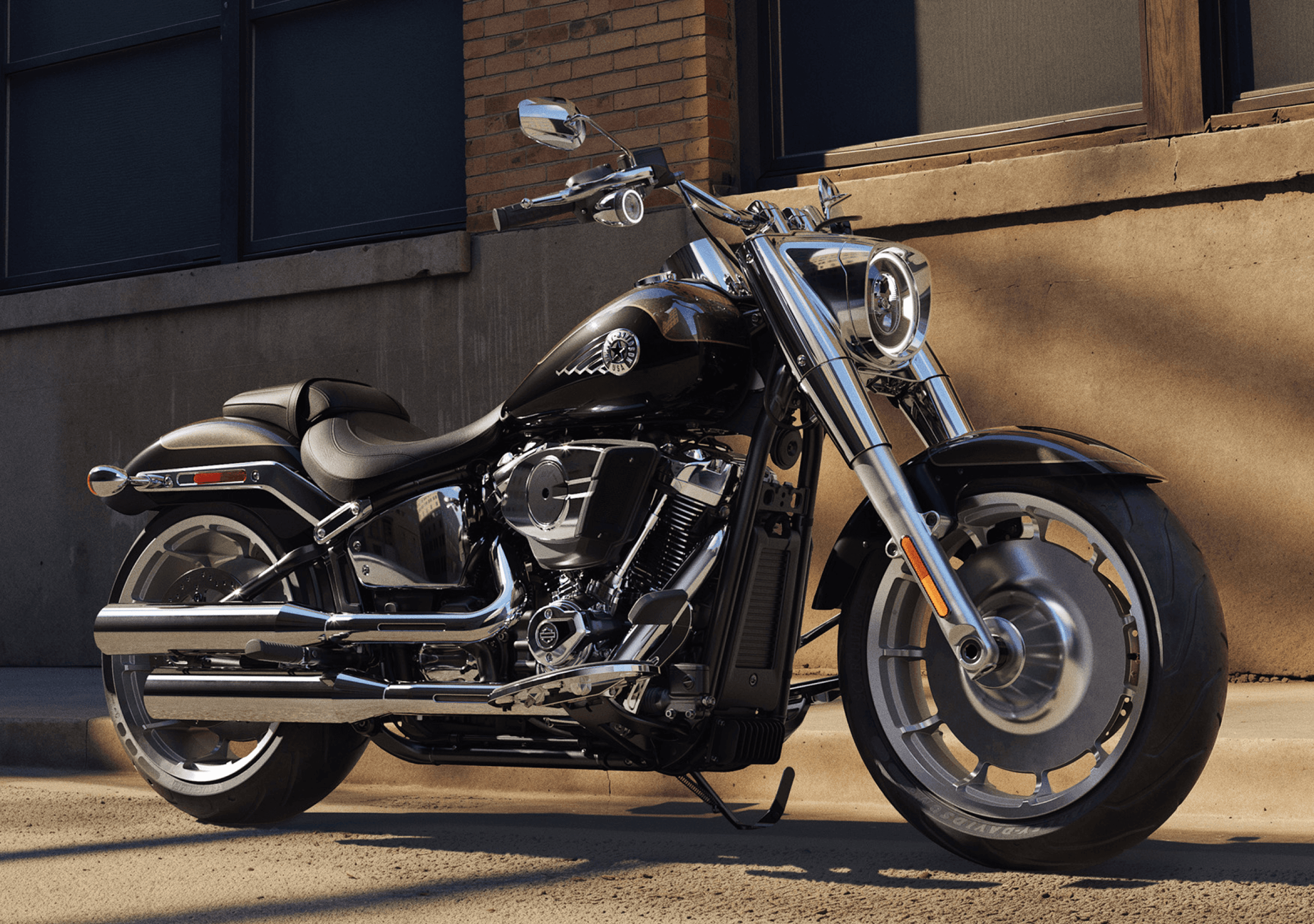
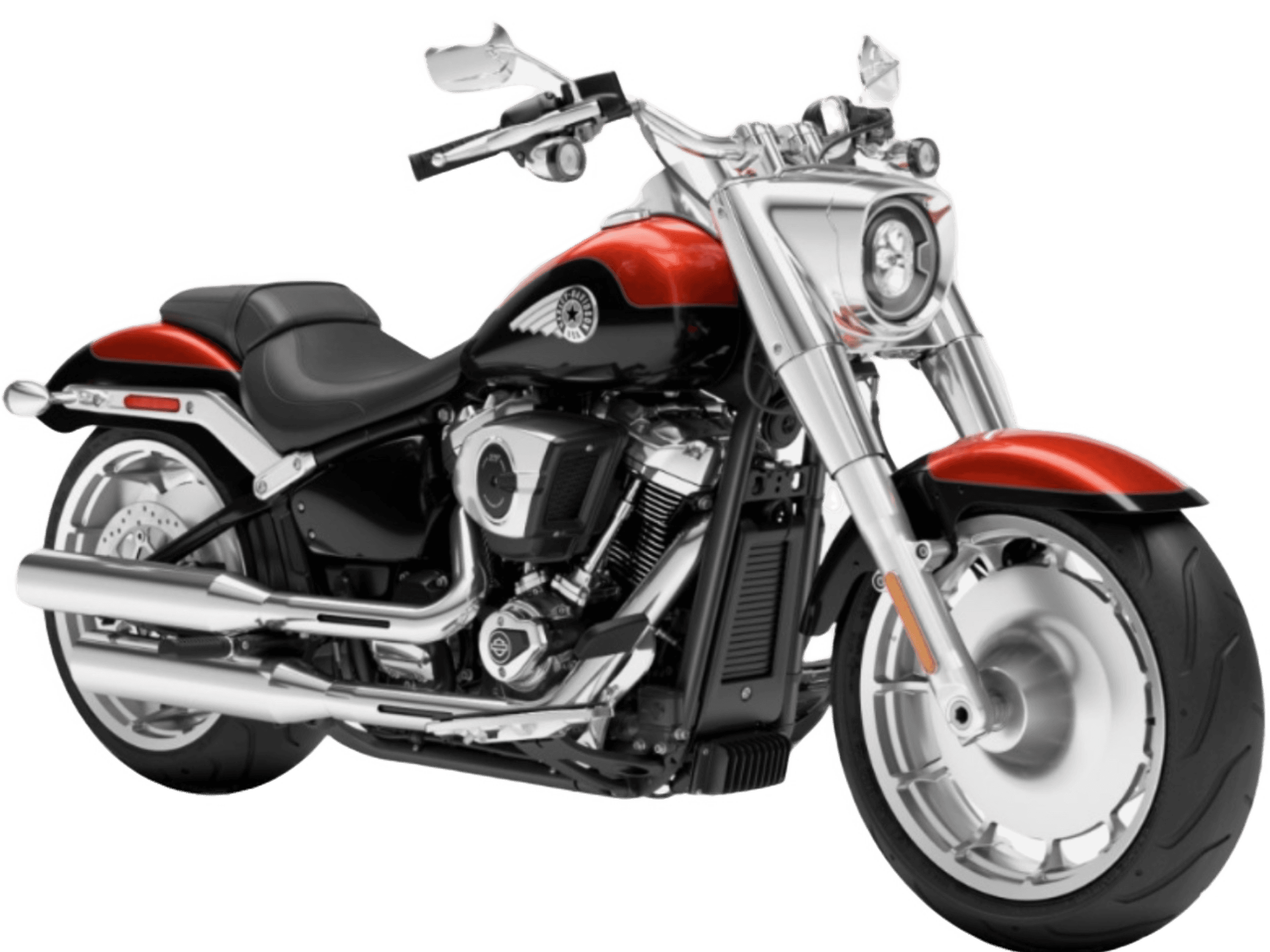
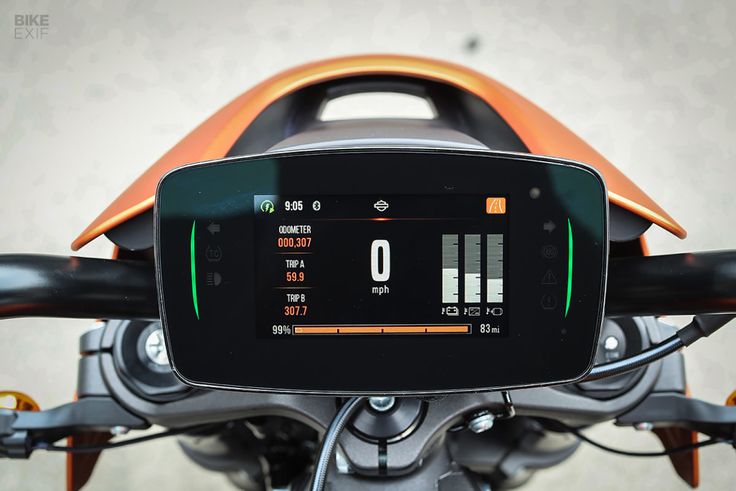
Using the Harley Davidson Sportster S HMI as reference, our goal was to create an new digital HMI for a classic bike: The Fat Boy

Overview
Problem
Research
Ideation
Iteration
Final Design
Harley Davidson HMI Re-design
Redesigning a traditional bike HMI for new riders
Team
Lenora Fernandes, Mrinalini Vodela, Addison Teichman, Francisca Gamboa, Natalia de la Rosa, Ruth Moran, Diana Lopez, Sunny Yang, Jade Stephens
N
MPH
67
ODO
007560
mi
Debris - Labrinth
NO GRAPHICS HERE
X 1000 RPM

N
67
mph
U
NO GRAPHICS HERE
ODO
000000
mi
Temperature
72
°F
Oil Pressure
52
PSI
Tire Pressure
32
PSI
Engine Temperature
195
°F
ODO
000000
mi
Temperature
72
°F
Oil Pressure
52
PSI
Tire Pressure
32
PSI
Engine Temperature
195
°F

0.7 mi
Exit 339-359


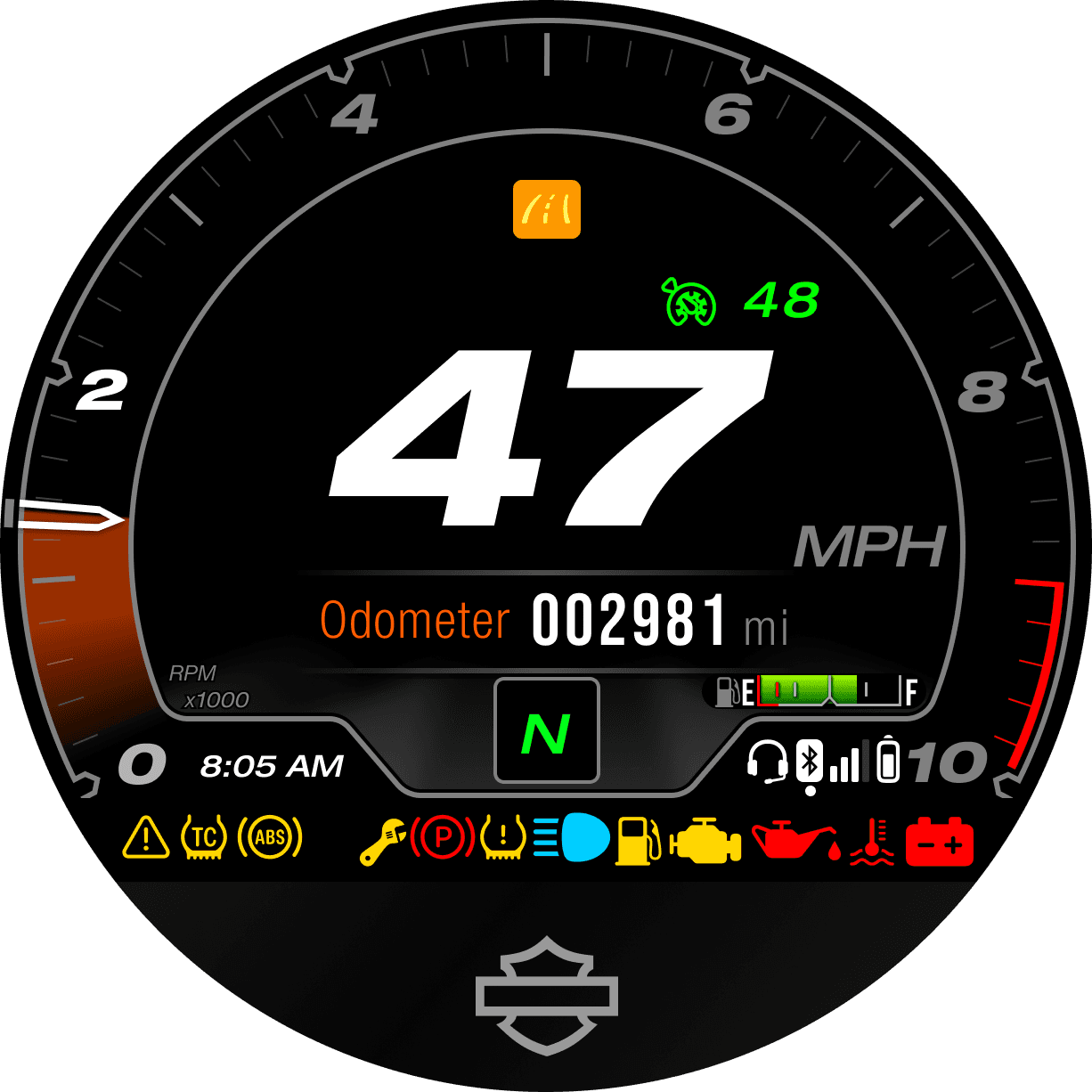
Excess information
Problem
Current Bike Features
Current HMI features on the Sportster S were assessed to determine how to improve and adapt them on the Fat Boy.
Cognitive Overload
Distracting
Too cluttered
t
Inconsistent
Disjointed
ABCDEFGHIJKLMNOPQRSTUVWXYZabcdefghijklmnopqrstuvwxyz0123456789
Shifto
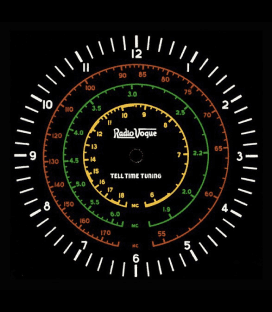
Neon Style


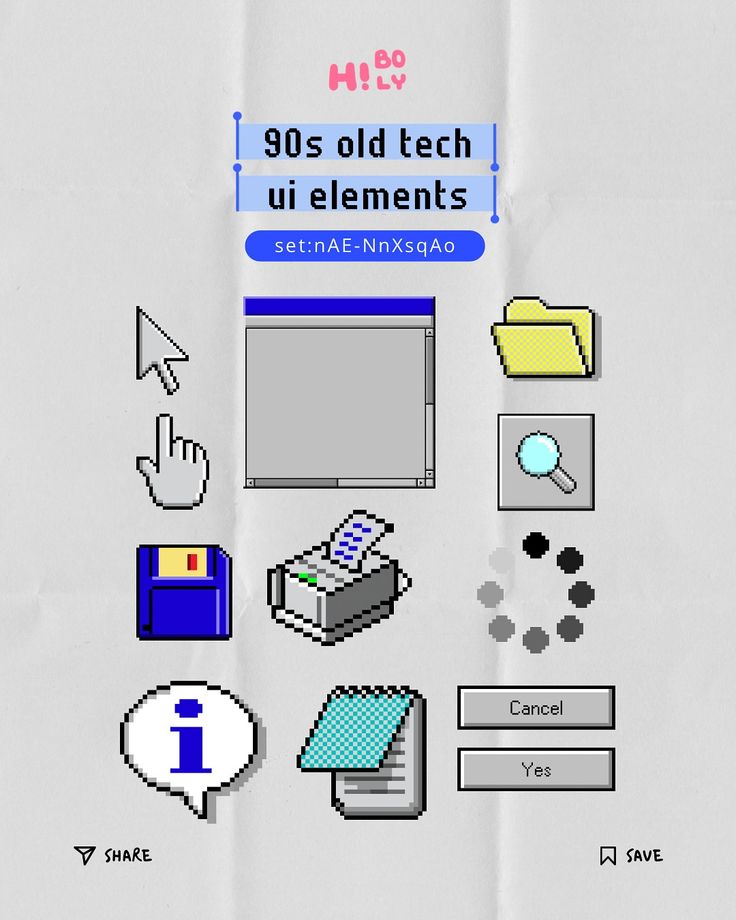
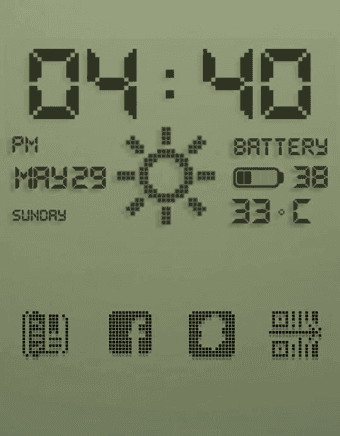
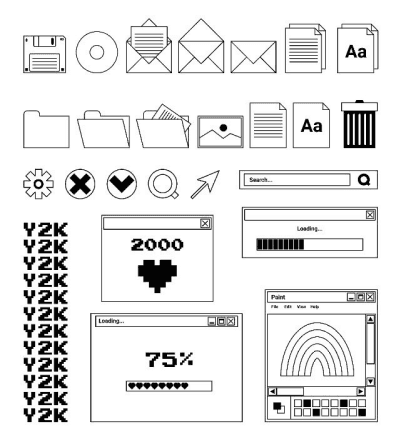

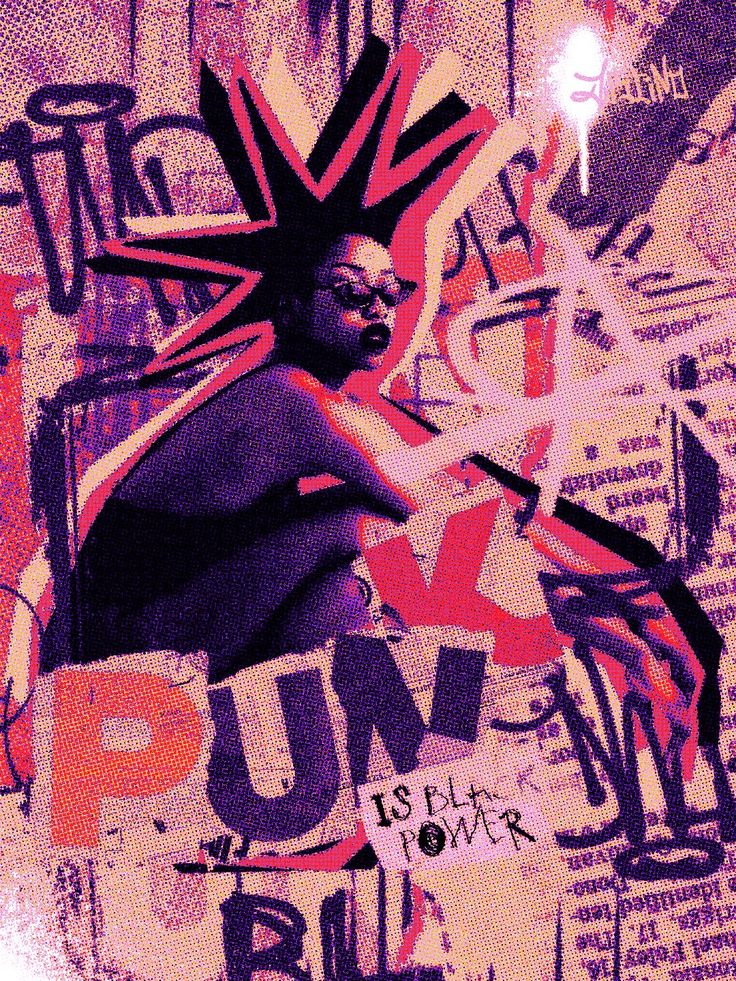
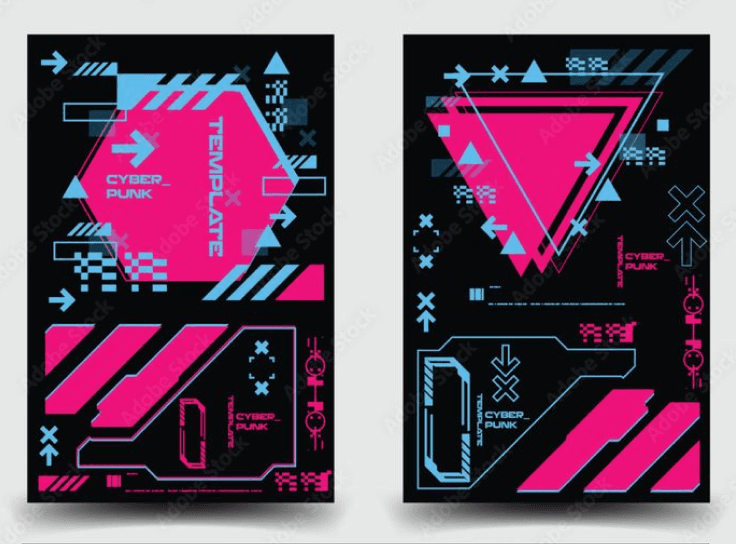
Neon style was developed with styles such as punk, riot grrrl, retro in mind. Used bright colors to communicate Jeanette’s free spirit that yearns for excitement.
Color Palette
Typography
User
System
Protected
Adjectives: modern, minimalistic, exciting, daring
Koulen
ABCDEFGHIJKLMNOPQRSTUVWXYZ0123456789
Digital-7
ABCDEFGHIJKLMNOPQRSTUVWXYZ0123456789
Triumvirate CG ExtraComp
ABCDEFGHIJKLMNOPQRSTUVWXYZabcdefghijklmnopqrstuvwxyz 0123456789
Pragmatica
ABCDEFGHIJKLMNOPQRSTUVWXYZabcdefghijklmnopqrstuvwxyz0123456789
Home


Speed


Navigation


Jeanette starts up the Fat boy for a ride
Welcome screen greets user as system boots up (timeout: 20 sec)
Quick checklist / overview (i.e. oil check, temp check) (timeout: 20 sec)
Homescreen
User navigates: homescreen > settings > ride mode > learning mode
Jeanette selects ‘Intermediate’ from carousel menu

Pop up asks if Jeanette would like to view her status and statistics (timeout: 20 sec)
Notification to check phone for her stats (timeout: 20 sec)
Overview of stats and recommended focus to select.
She submits and app confirms selections are sent to bike
Jeanette rides like the wind!
After a good ride, she puts her bike in park. This prompts the bike to begin processing.
System loads and prepares feedback. (timeout: 15 sec)
Notification alerts user that feedback has been sent and where to view. (timeout: 15 sec)
Bullet points of improvement - description of stats and points gained (dropdown, swipe to next)
Page of areas for improvement (dropdown, swipe to next or back)
prompt to bring user to resource forum (timeout: 20 sec)
Celebration screen! Jeanette gains points and sees her progress to next level.




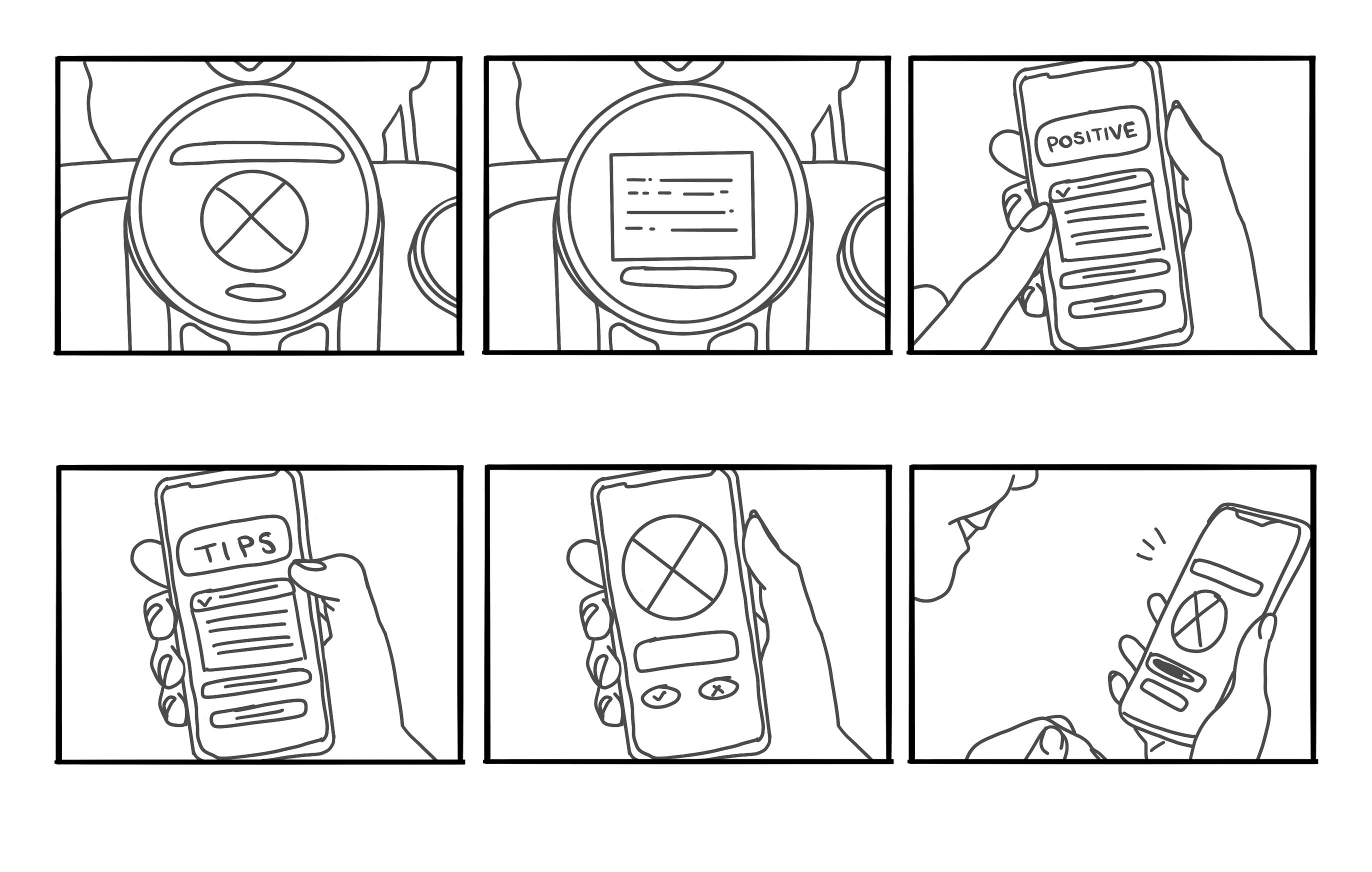
Storyboards were created to visualize how riders move through interactions with the bike HMI in an easy to understand and user friendly way.
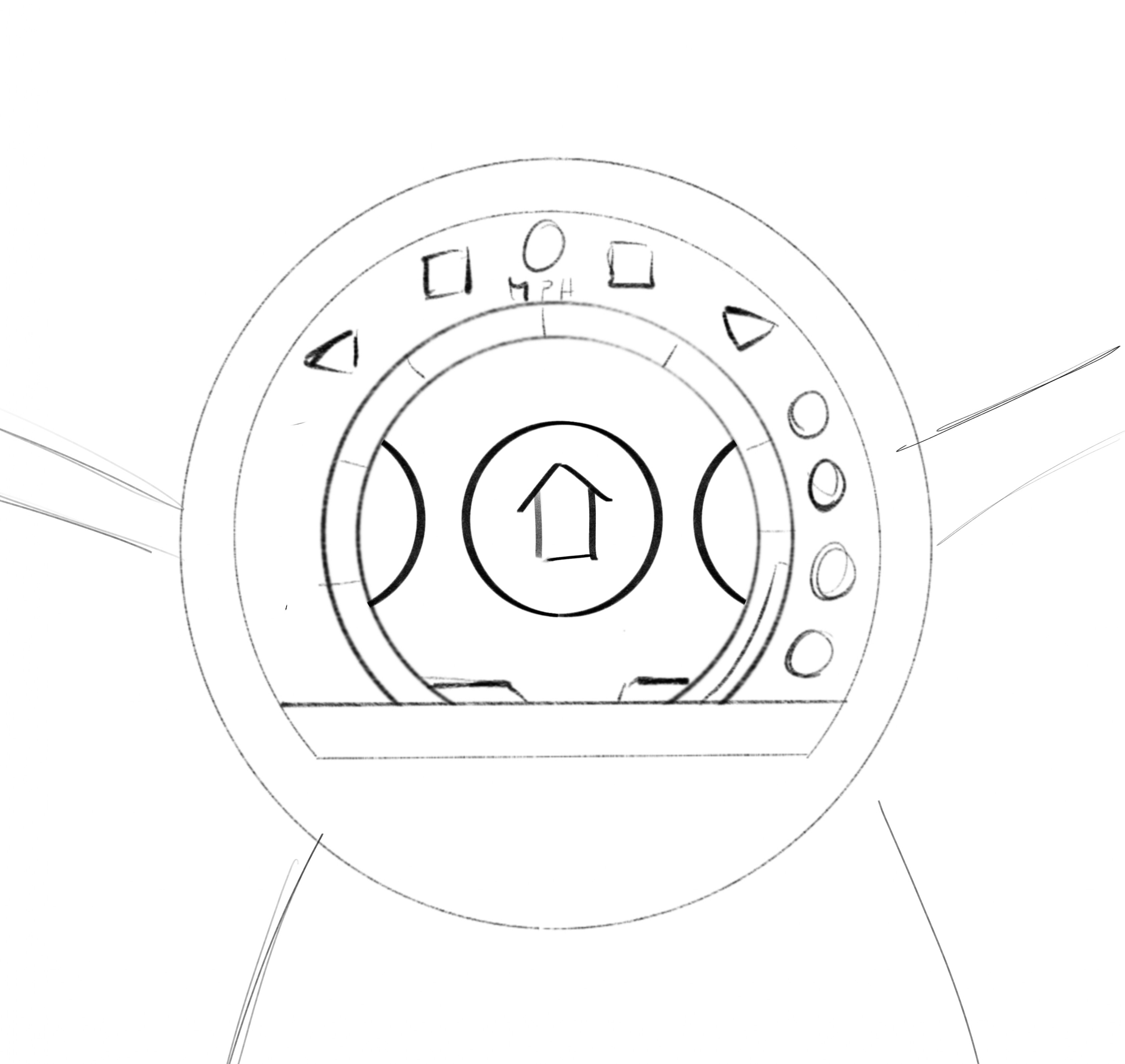
After the onboarding IA was refined, we created examples of how the information would be organized on the HMI screens.
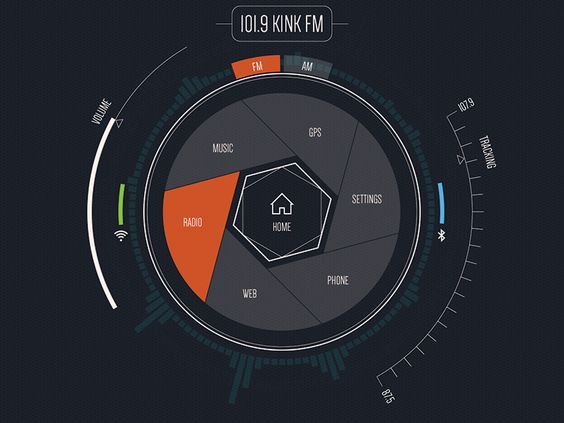
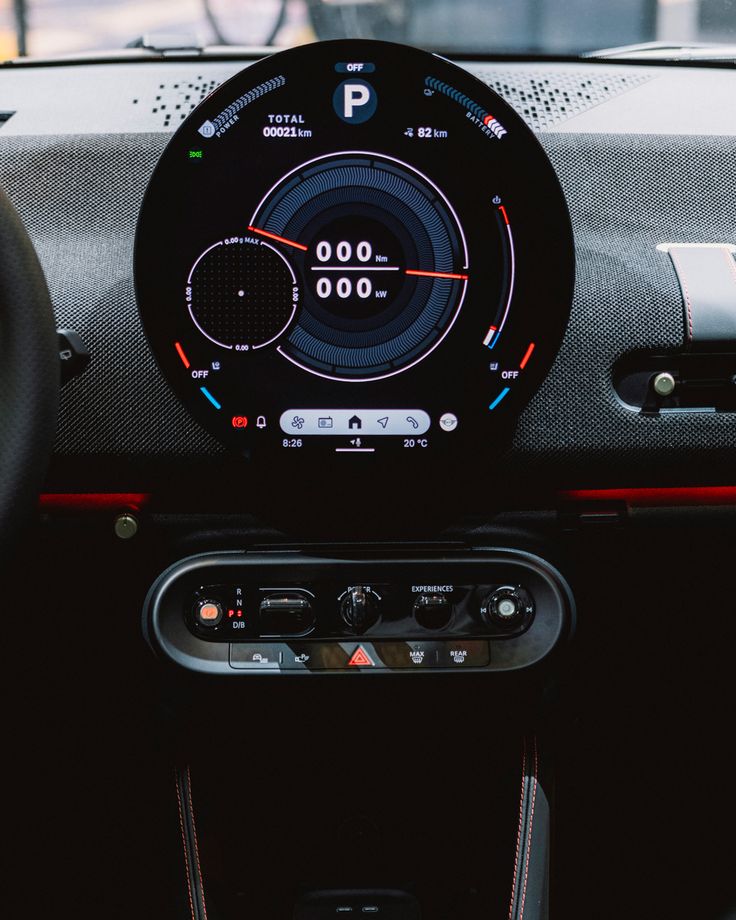
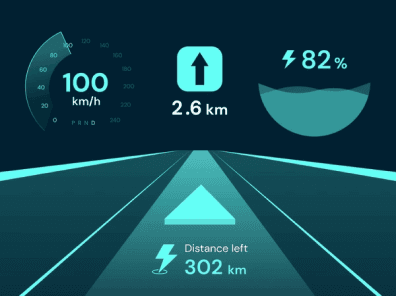
From there we created three core aesthetics for design exploration.
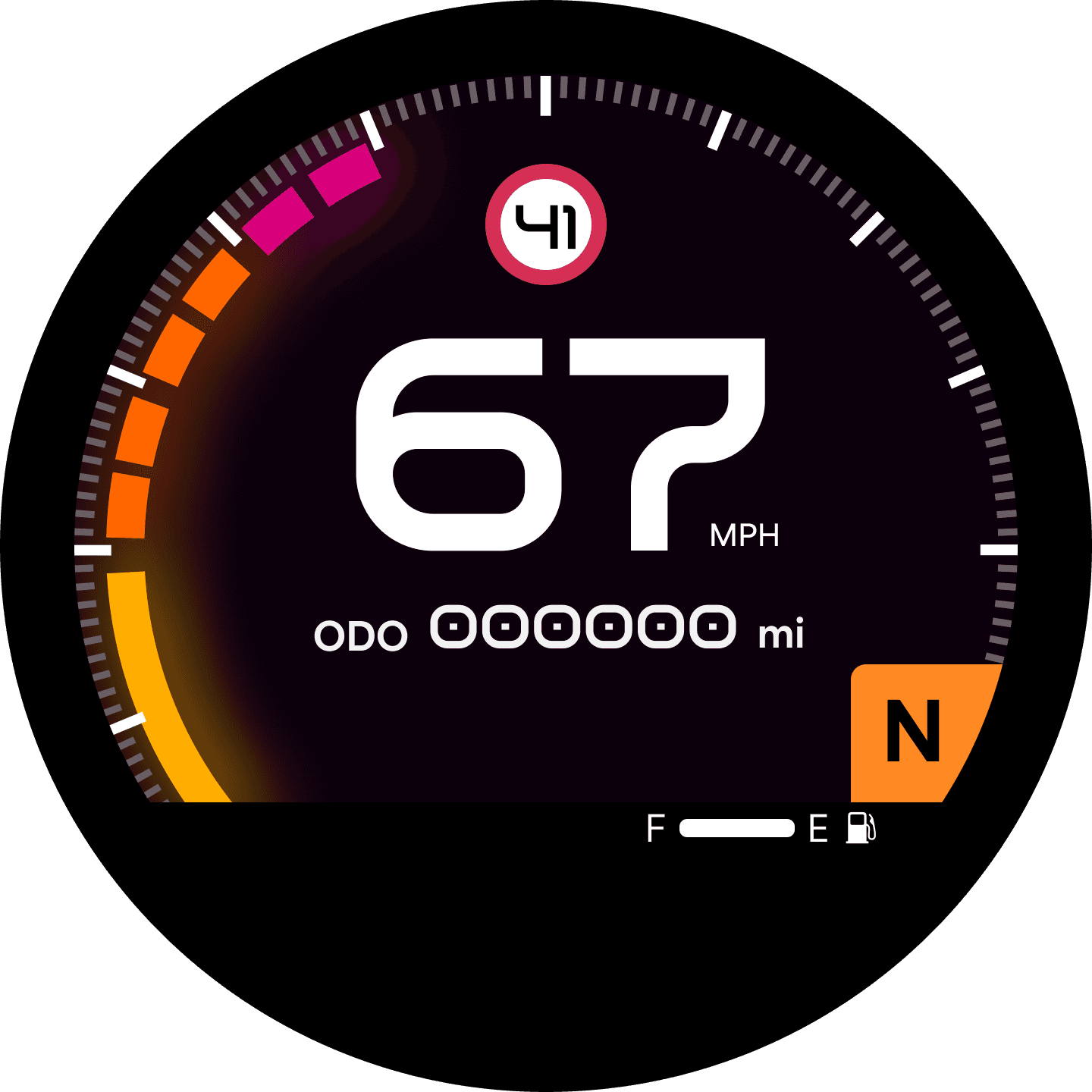
This stripped-down, stroke based design approach uses weight to indicate importance and only displays necessary information- ensuring rider focus and reinforcing beginner accessibility and confidence.
Creating the structure
Storyboarding Interactions And Flows
Creating the structure
Zoning
Ideation
Initial HMI Moodboard
Ideation
Initial Onboarding IA
Ideation
Kicking into gear
An initial onboarding IA that visualizes how users navigate new features
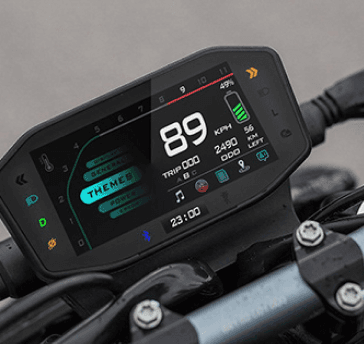
A moodboard for the new HMI design
We have our bike and it’s future rider- now it’s time to let the creativity flow! After brainstorming a list of features that both support Jeanette’s goal of building confidence as a beginner rider and strengthen the Harley community, our team split into groups to create:
Our initial IA illustrates how users interact with and navigate through our new HMI features focused on beginners and building community.

navigational stats

urgent popup

incoming call

priority placement
Iteration 1
Exploring Notifications
Explored how users receive navigation instructions and stats, see their trip pages, handle urgent notifications, and what information takes priority.
Iteration 1
Map Page
Explored how users receive navigation instructions and stats, see their trip pages, handle urgent notifications, and what information takes priority.


Navigational stats
Straightened
Nav info
Thinner map line
Iteration 1
Home Page
Explored how users receive navigation instructions and stats, see their trip pages, handle urgent notifications, and what information takes priority.


Side fuel guage
Centered
Moved title page
Iteration 1
Bike Status
Explored how users receive navigation instructions and stats, see their trip pages, handle urgent notifications, and what information takes priority.


Stacked information
Motorcycle Display
Icons
Dispersed Info
Phone App
Exploring
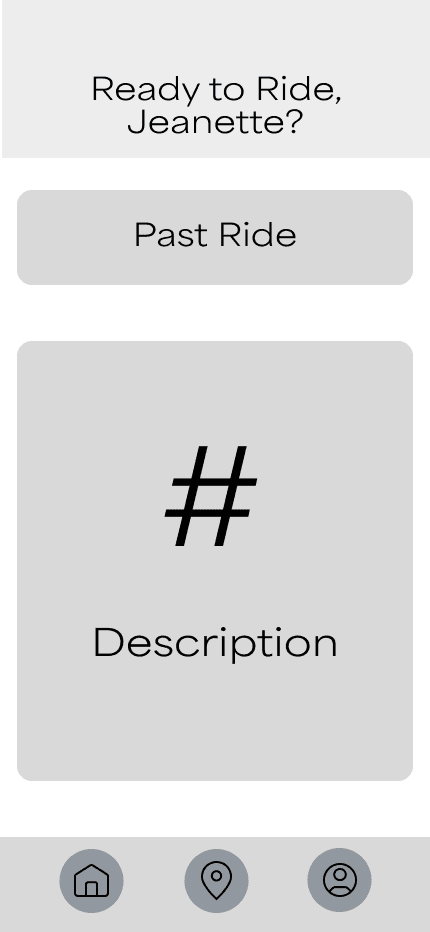
Our HMI features an app accompaniment to assist new riders in learning more about the bike and exploring new routes based on their preferences.


Experimentation with how app information can be displayed
Phone App
Mid-Fis
Below is the revision process behind each main screen- from home to starting a new ride and checking achievements.
Too broad

Too squished


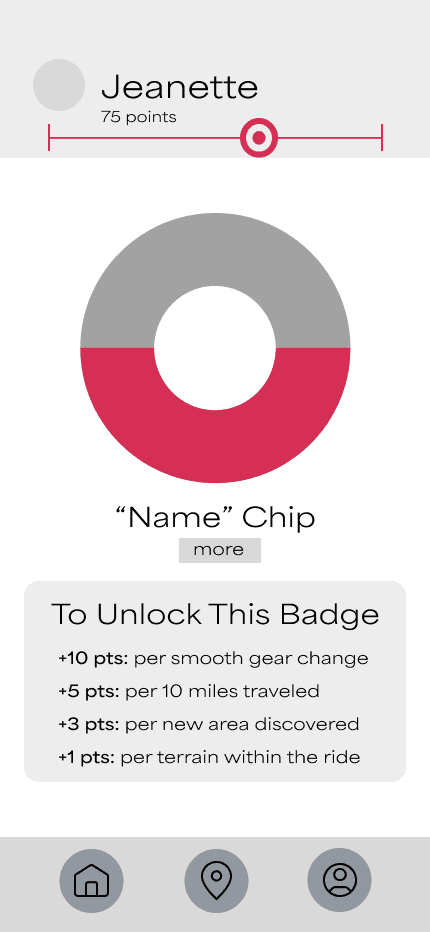
Hard to understand

Plain
Not enough information
Not enough information
Difficult to access
Too squished
Not visually appealing
Style Guide
Choosing Our Direction
Color Styles
Primary Colors
Orange
#FF5700
Orange Gradient
#FF5700
#913A01
#230E01
Grayscale Gradient
#FFFFFFF
#000000
Color Styles
Secondary Colors
Green
#7BCA2B
Blue
#00BFFF
Pink
#FF4DDE
Green Gradient
#172808
#000000
Blue Gradient
#082028
#000000
Pink Gradient
#280822
#000000
Text Styles
Primary Typography
Aa
Area Normal
Regular, SemiBold, Bold, ExtraBold
Main Title
Area Normal - Extra Bold
28px
Captions of Section
Area Normal - Bold
24px
Labels/Sub Titles
Area Normal - Semi Bold
20px
Descriptions
Area Normal - Regular
16px
Component
Telltales

Brand Tone

Competitive
Confident
Reflective
Performance-analytic
Goal Oriented
Adventurous
Performance-driven
Creating the structure
Final Solution
After research, feedback, testing, and many revisions we have our new and improved Harley Davidson Fat Boy!

Statistics screen

Navigation screen

Home screen
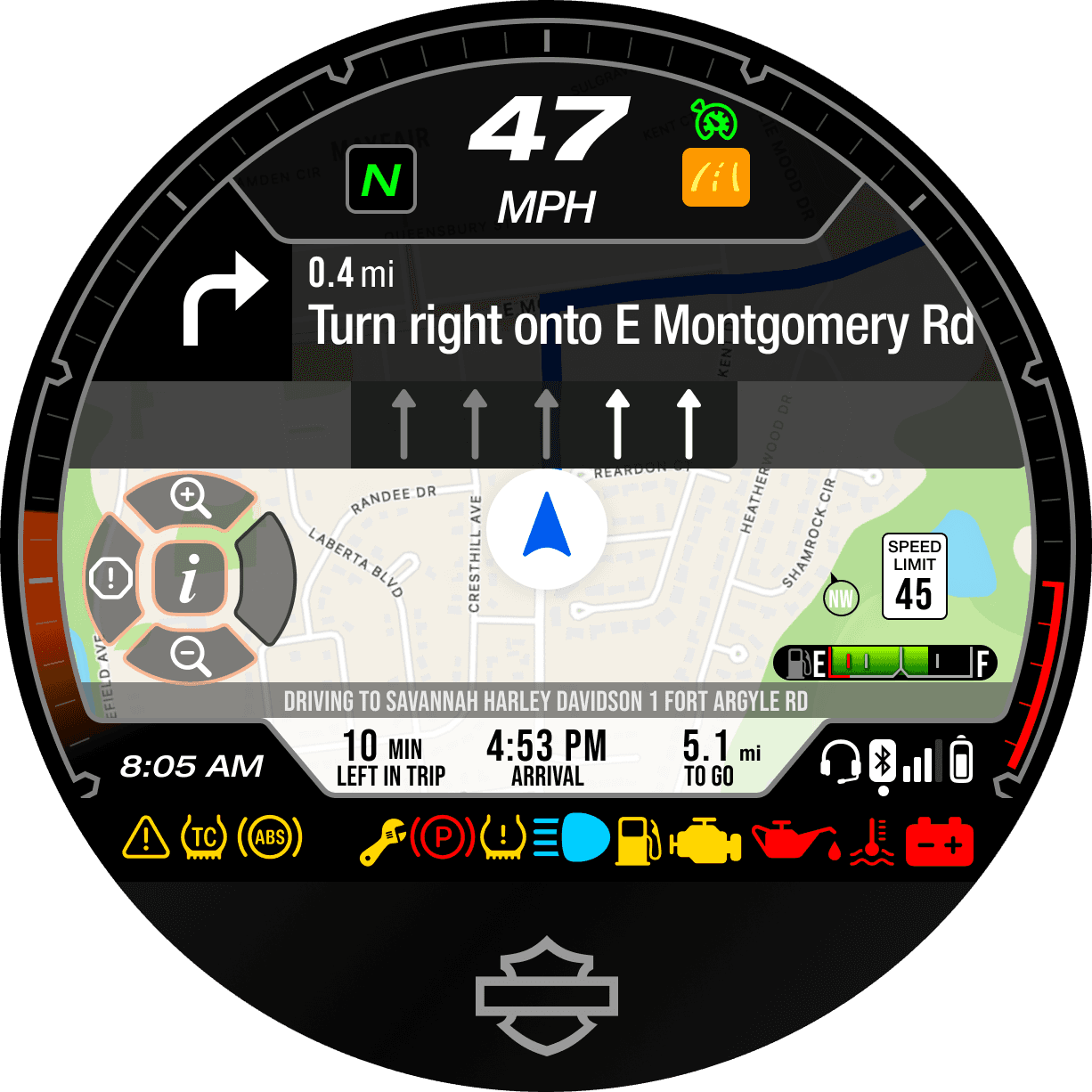
Efficiently parse through critical bike information before or during a trip.
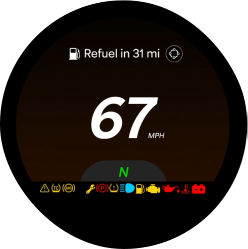

Enjoy peace of mind with clean and smooth notification alerts.
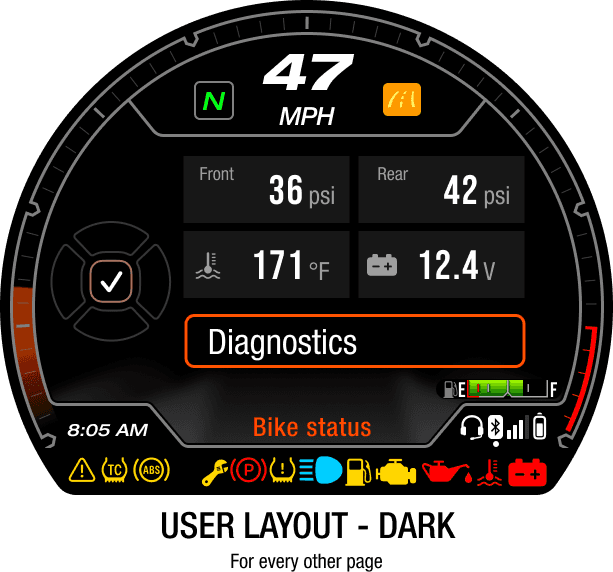
View bike status and details with a glance.

Creating the structure
Final Solution
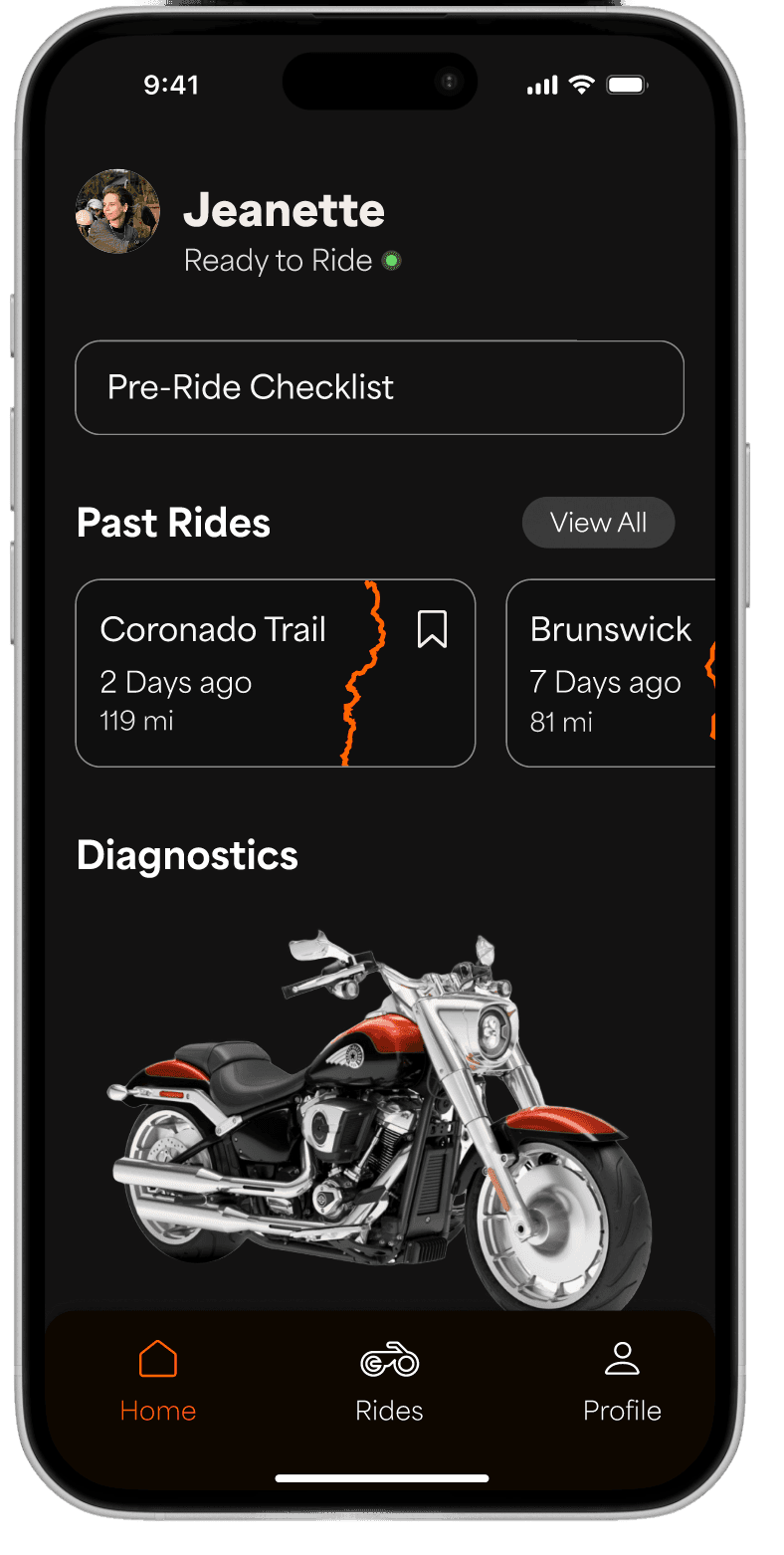
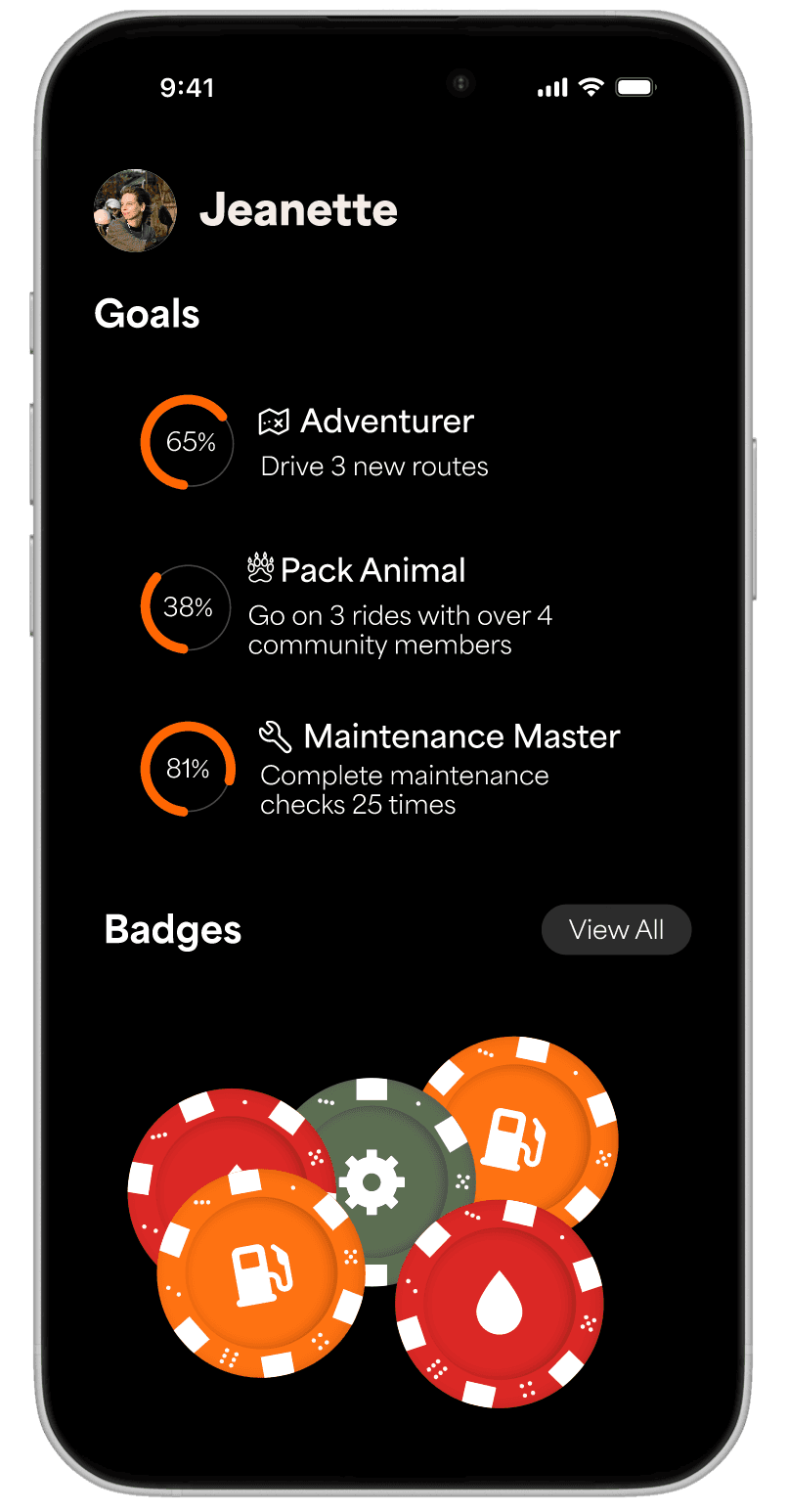
This redesign comes with an app that supports riders learning to bike, earn achievements, and easily navigate new routes so they can get out and explore!


Home screen
Profile screen
Past Ride Screen
HOME
Your ride, your way. A personalized dashboard with past rides, live diagnostics, and bike health, all in one place.
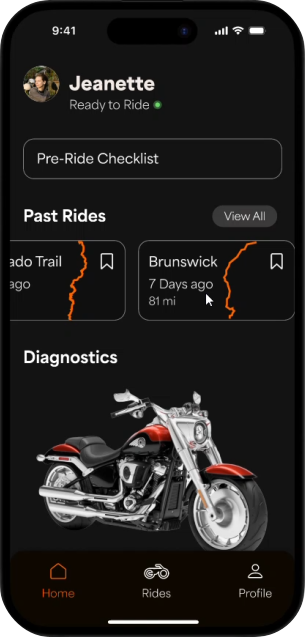
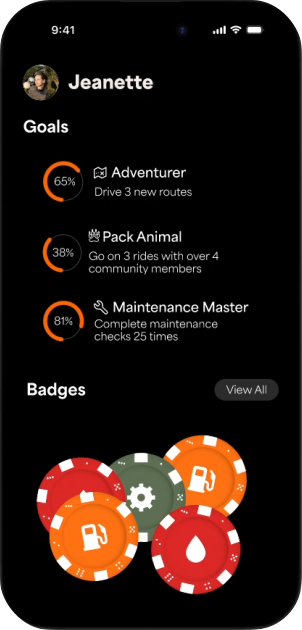
PROGRESS
Get insight into how you ride and can grow as a rider by tracking your speed, acceleration, and RPM trends.

PAST RIDES
Reflect on your progress, build confidence, and track riding habits by getting a detailed overview of ride specific information.
NEW RIDES
Discover new routes and plan your next adventure based on distance, difficulty, environmental factors, and scenic value.

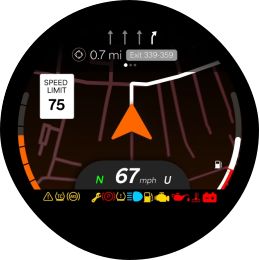
Easily cycle through main pages designed to deliver information quickly and intuitively.